Your van, to the millimetre
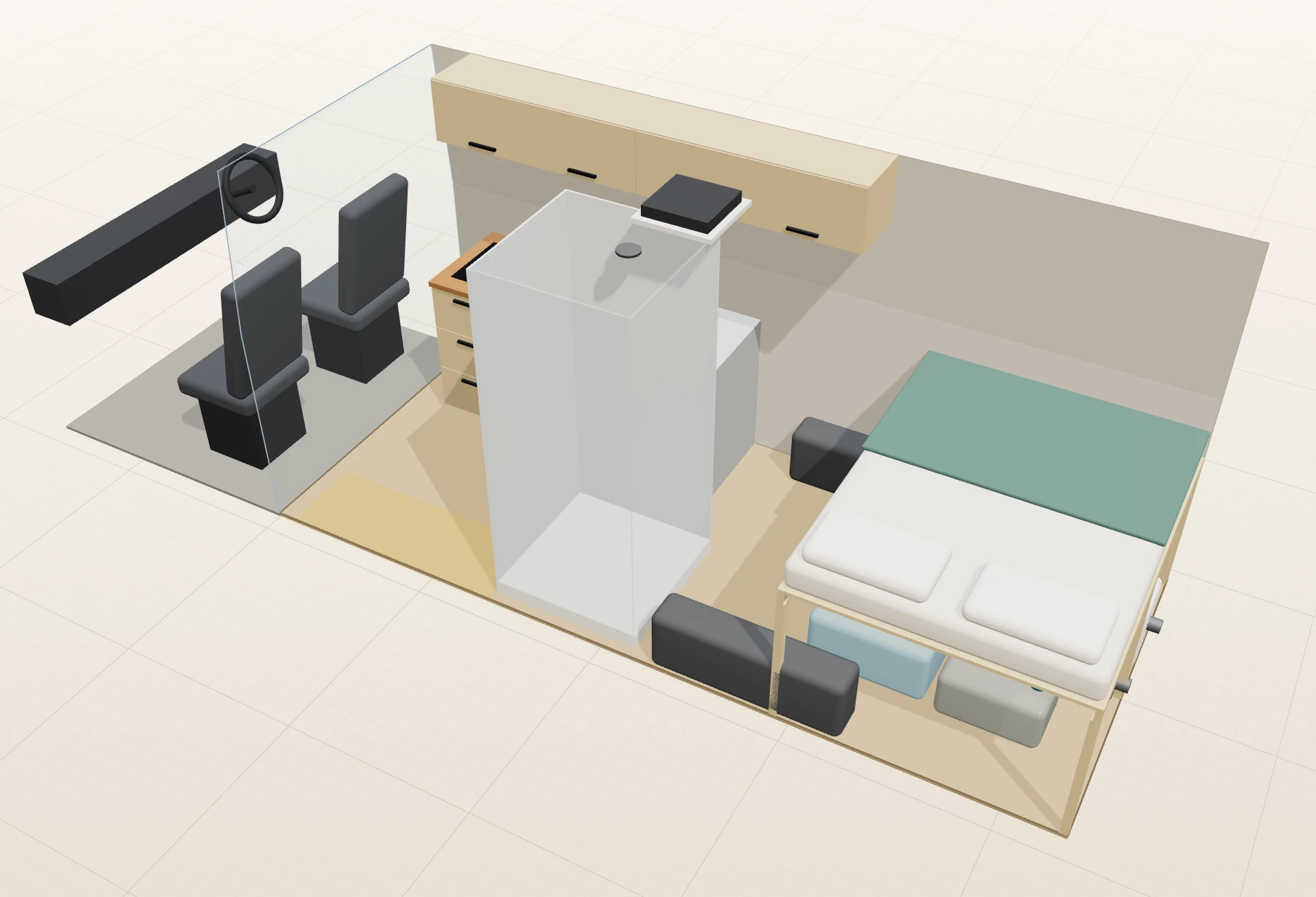
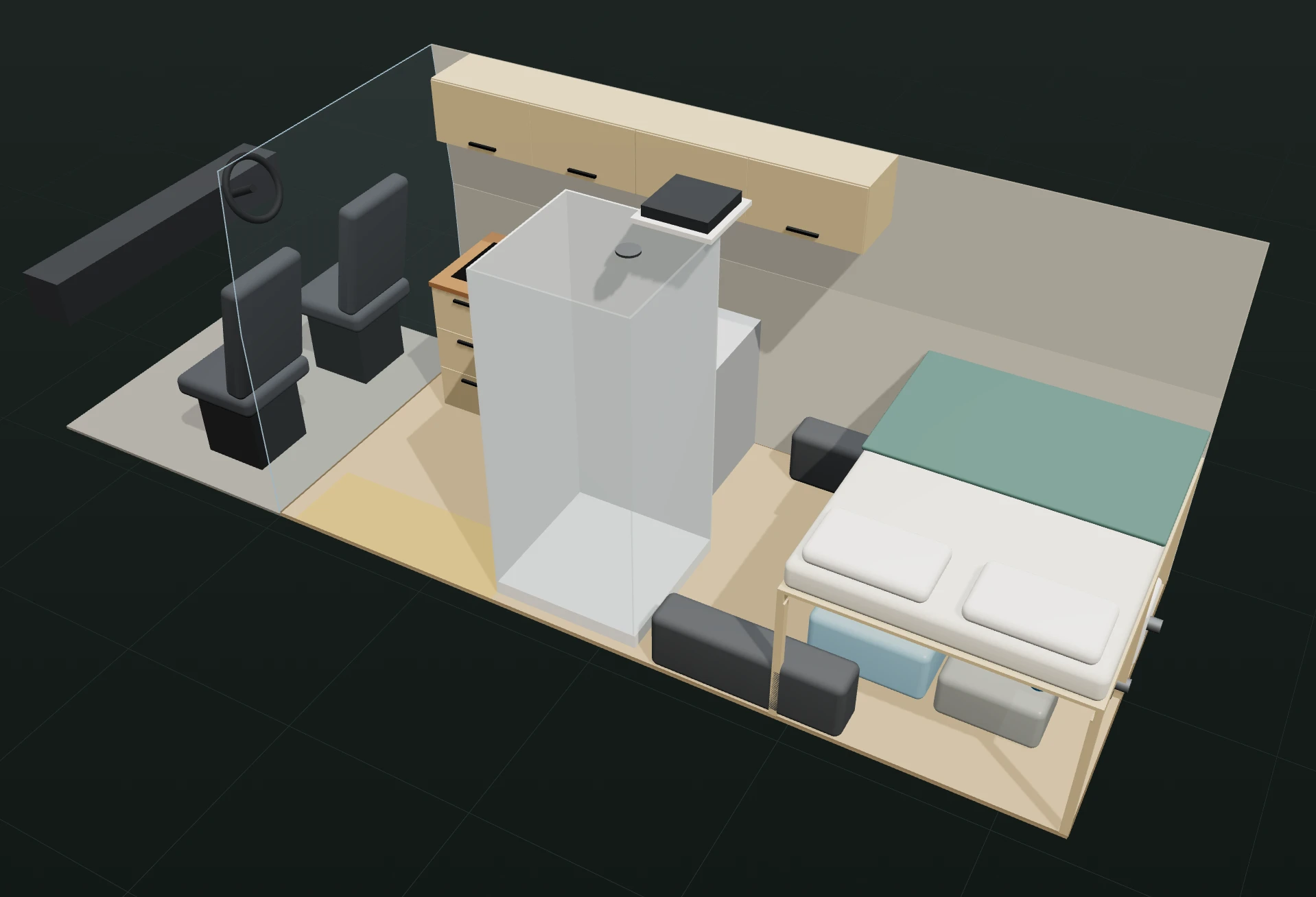
Wheel arches, sliding door, and walls that lean in towards the roof, all drawn to size. A built-in guide shows you exactly what to measure.
For DIY camper van builders
Lay out the bed, kitchen and storage in your actual van. Vanwright checks every clash, weighs every axle and turns your design into a cut list you can take to the workshop.
Built on the real measurements of
15 models, left- or right-hand drive · or enter your own measurements
Everything a build needs
Every piece of plywood you cut wrong costs money and a weekend. Vanwright finds the problems while they’re still free to fix.
Wheel arches, sliding door, and walls that lean in towards the roof, all drawn to size. A built-in guide shows you exactly what to measure.
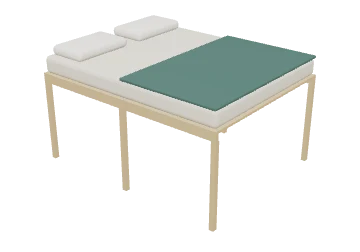
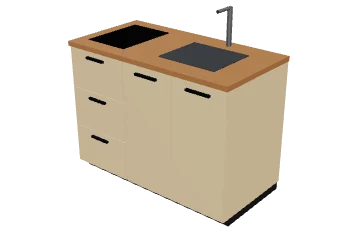
39 pieces from beds and lift beds to galleys, showers and batteries. Drag them in, then pull the handles to resize or turn. Or design your own.
Pieces that hit an arch, the roof, a sloped wall or each other turn red, and so does a blocked sliding door. One click moves or trims them to fit.
See the load on each axle against your van’s ratings, with people, gear and full water tanks included, and how much payload you have left.
Add your fridge, heater and solar. Vanwright tells you how many days the battery and the water tank will last off-grid.
On your laptop at home or your phone in the van with a tape measure. Save to your account and share a link with whoever’s helping you build.
Walk-through
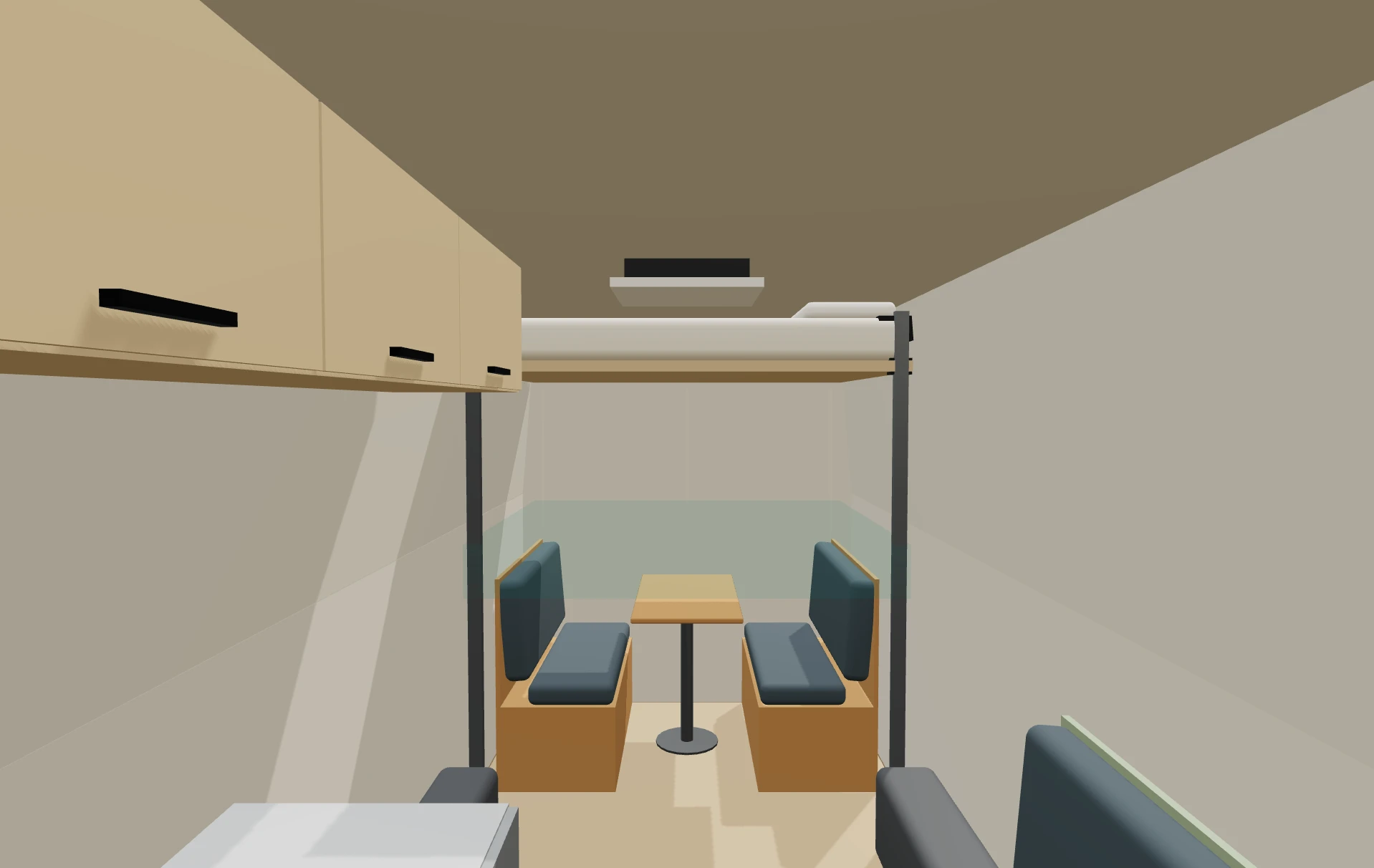
Step into your layout and walk around. Is there room to cook while someone sits at the table? Can you reach the bed? You’ll know in seconds, not after the plywood is cut.
The build sheet
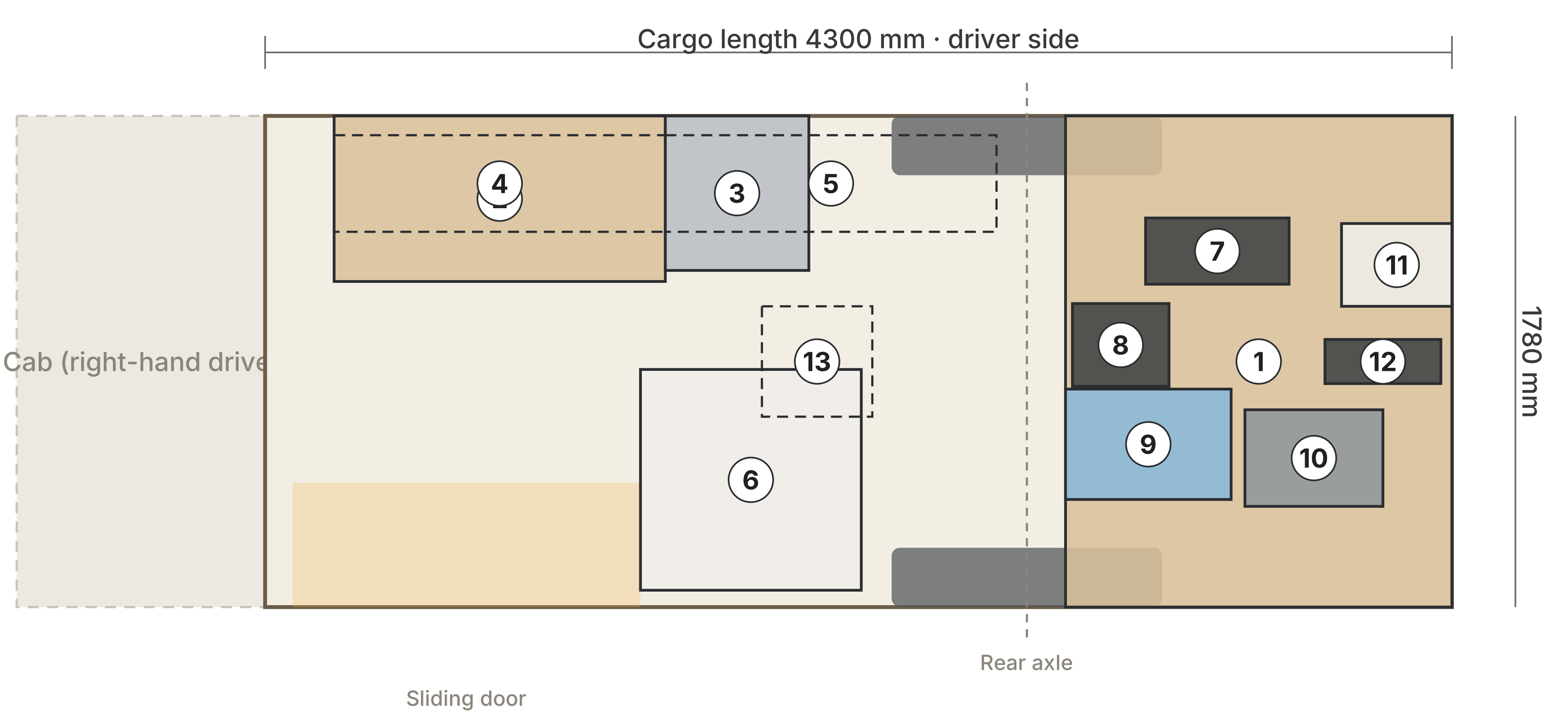
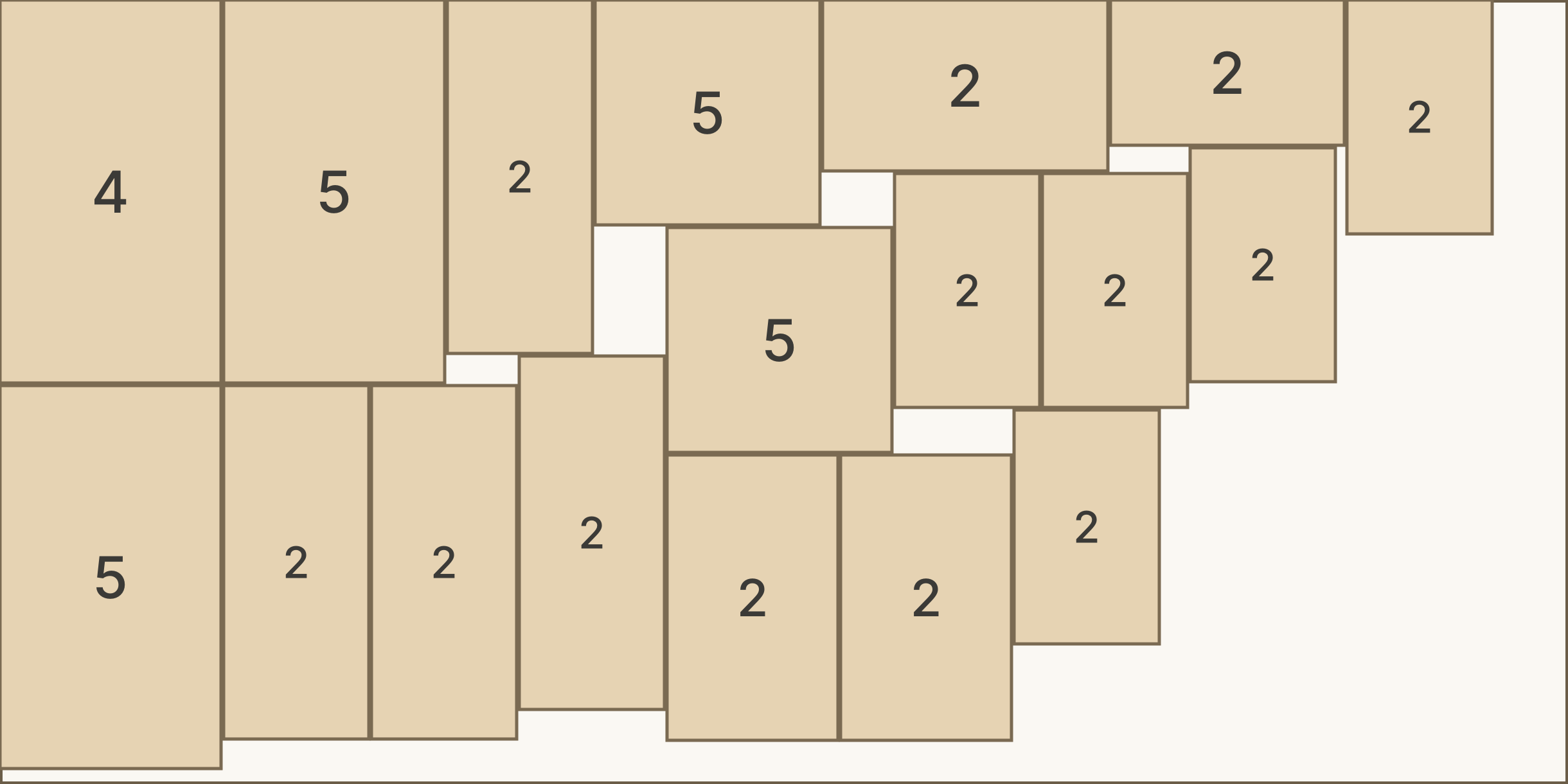
When the layout’s right, Vanwright turns it into everything you need in the workshop.
How it works
Choose your make and model, which side the steering wheel is on, and millimetres or inches. Check the measurements against your own van with the built-in guide.
Start empty, from an example, or from a ready-made layout. Drag furniture in, move it around, and watch the clash, weight and power checks as you go.
Get the floor plan, cut list, sheet layouts and shopping list, then head to the timber yard.



Pricing
£0
Try the planner on the Sprinter 170″ High Roof.
One yearly price
For when you’re ready to buy plywood.
Cancel any time and keep Pro to the end of the year you paid for. Changed your mind? Full refund within 14 days if you haven’t printed or exported anything. Details.
Questions
No. Vanwright runs in your web browser on a computer, tablet or phone. Your layout saves in that browser automatically; with Pro you can save it to your account and open it anywhere.
The Mercedes-Benz Sprinter (144″, 170″ and 170″ Extended High Roof), Ford Transit (130″ and 148″, medium, high and extended), Ram ProMaster (136″, 159″ and 159″ Extended) and Volkswagen Crafter (MWB, LWB and Maxi, high and super-high roof), in left- or right-hand drive. With Pro you can enter your own measurements for any other van.
Each van starts from published measurements, but no two vans are quite the same, and some figures (like how much the walls lean in) are estimates. Measure your own van with the built-in guide, enter the numbers, and check each part before you cut.
A measured floor plan with every piece’s size and position, the weight and power summary, a cut list grouped by material, layouts showing how to cut each sheet, and a list of hardware and things to buy. Free users see a preview; the full sheet is part of Pro.
Yes, any time, from your account in the planner. Pro stays on until the end of the year you paid for, and your layouts stay yours.
Yes, within 14 days of buying or renewing, as long as you haven’t printed or exported anything with Pro: just ask from your account page. If something isn’t working as it should, tell us and we’ll put it right.
Your layouts stay in your browser unless you sign in to save them. We don’t sell data and there are no advertising trackers. See the privacy policy.
Lay out your first build in a few minutes. It’s free to start.
Start planning free